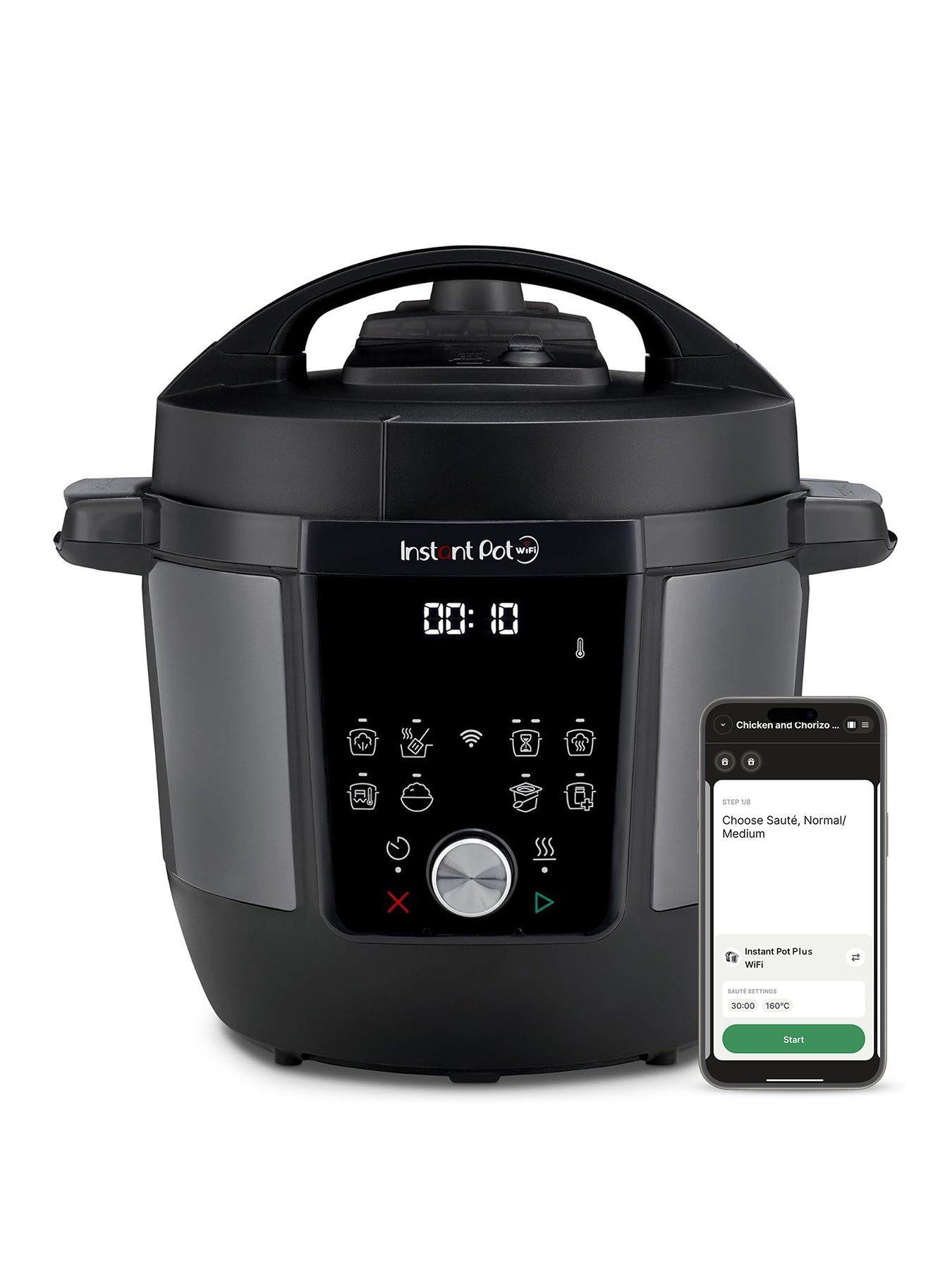
7--in-1 FUNCTIONALITY Say goodbye to multiple appliances and unlock endless cooking possibilities with functions like pressure cooking, slow cooking, sautéing, steaming, and more.
FAST, EASY MEALS Cook delicious meals up to 70% faster - such as risotto in only 6 minutes or one-pot pastas in 5 minutes! There are also 4 customisable pre-set buttons for easy access to your favourite recipes.
INSTANT CONNECT APP Download the Instant Connect app now to discover guided recipes with step-by-step instructions.
Depth: 33 CM
Height: 33 CM
Width: 35 CM
Capacity - Litres: 6
9-in-1 Versatile cooking functions: Pressure cook, slow cook, sauté, steam, rice, yoghurt, sous vide, keep warm and sterilise, all in one machine
5.7L capacity, from weeknight meals to a family feast this Instant Pot lets you cook up to six portions with ease
Cook remotely with the Instant Connect™ App guided cooking
Safe steam release switch - lets you safely vent steam with ease
Multilingual, easy to read, message prompts - to help guide you every step of the way
Easy to use control panel
Progress indicators, Smart cooking - monitor your cooking quickly at glance
Instant Connect™ App with access to 3000+ recipes
Dishwasher safe - Save time with the easy to clean stainless steel inner pot, lid and steam rack by popping them into your dishwasher
Waste Electrical and Electronic Equipment (WEEE) and waste batteries must never be placed in your waste disposal or recycling bins. WEEE is taken back free of charge at electrical retail outlets on a one-for-one like-for-like basis. There is a bin for small batteries in your local store. Local authority civic amenity facilities also take back WEEE and waste batteries free of charge. WEEE and waste battery recycling is free. For more detail please see our Policy Pages at www.very.ie/help/en/weee-directive.page.
isNew is true isReturning is false isRegistered is false gender is Unknown ageTargeting is isEligibleForBnpl is false marketingCampaign is targetedOffersAsString is accountNumber is